
Customer Svc: 855-620-2330 -
M-Sat -9am-6pm
Speak To Customer Service - 855-620-2330 - M-Sat 9:00am - 6:00pm MST
Customer Svc: 855-620-2330 -
M-Sat -9am-6pm
Speak To Customer Service - 855-620-2330 - M-Sat 9:00am - 6:00pm MST

Last Updated: November 22, 2026
Quick Summary
You join an online golf simulator league by choosing a league that fits your equipment and schedule, creating a player profile, registering as an individual or team, paying the entry fee, and playing your weekly round inside the league's play window. The whole sign-up usually takes one evening, but check launch monitor compatibility before you pay.
This guide from Total Golf Simulators walks through the entire process, from the compatibility check you should do before you pay a dime to troubleshooting your first round. The five steps below are the order we'd recommend.
Online golf simulator league participation comes down to three things: a launch monitor your league's software supports, a bay with enough room to swing, and a handicap or skill division that puts you against comparable players.
Here's the platform-neutral checklist. It works whether you're joining a big national league or a small club league run out of someone's garage.

What to verify before you pay:
A common mistake is treating sign-up as the finish line. It isn't. The league season starts whether your software is configured or not.
Watch out: If the league's approved list doesn't name your exact launch monitor model, don't assume a similar model will work.
Here is the sign-up sequence the article recommends, in the order it says to do it.
| Step | What to do |
|---|---|
| 1 | Check launch monitor and software compatibility first |
| 2 | Create your player profile with name, email, home state, handicap |
| 3 | Choose individual entry or team registration |
| 4 | Pay the entry fee and sign the waiver |
| 5 | Download league software and link your account |
League play demands more from a home setup than casual practice does. You need a launch monitor that reads ball flight accurately enough to produce a score, software the league accepts, and a bay with real clearance.
Here's what to check before you register:
If you're still sorting out software, our guide on using golf simulator software for winter practice covers configuration in detail. For players who want a single unit that handles both practice and league rounds, the Garmin Approach R50 Premium Launch Monitor Simulator is a capable all-in-one option, and the Uneekor Eye Mini Launch Monitor suits players who want a compact, league-capable unit.

Most leagues run one of two formats, and both use skill divisions to keep things fair.
Stroke play is the standard. You play a set course, count every shot, and post a gross score. Match play pairs you against one opponent per week, hole by hole. Some leagues mix both across a season.
Divisions go by different names, but the idea is the same:
If you're new to league play, start in a handicapped or higher-letter division. Winning a D division flight feels a lot better than finishing last in A division.
Leagues run on a season schedule, usually several weeks long, with one round per week.
Play windows are what make online leagues work for busy people. You don't need a tee time. You need to finish your round before the window closes.
Course rotation varies by league. Some fix one course per week.
Watch out: missing a play window usually means a zero for that week, and some leagues don't allow makeups. Check the schedule before you commit to a season that overlaps a vacation.
Entry fees vary widely by league, so we won't quote a number we can't verify. What we can tell you is what to look for in the fine print.
On costs:
On cancellation:
On scoring integrity: score verification is the backbone of any league. Most platforms require you to submit your score through the league software rather than typing it in manually, which limits fabrication. Some leagues require a witness or a second player for team rounds.
On scoring rules that decide close matches:
A league with clear scoring rules and a published dispute process is worth more than one with a bigger prize pool and vague terms.
Your first league round is where small setup problems become scored problems. Run a test round first.
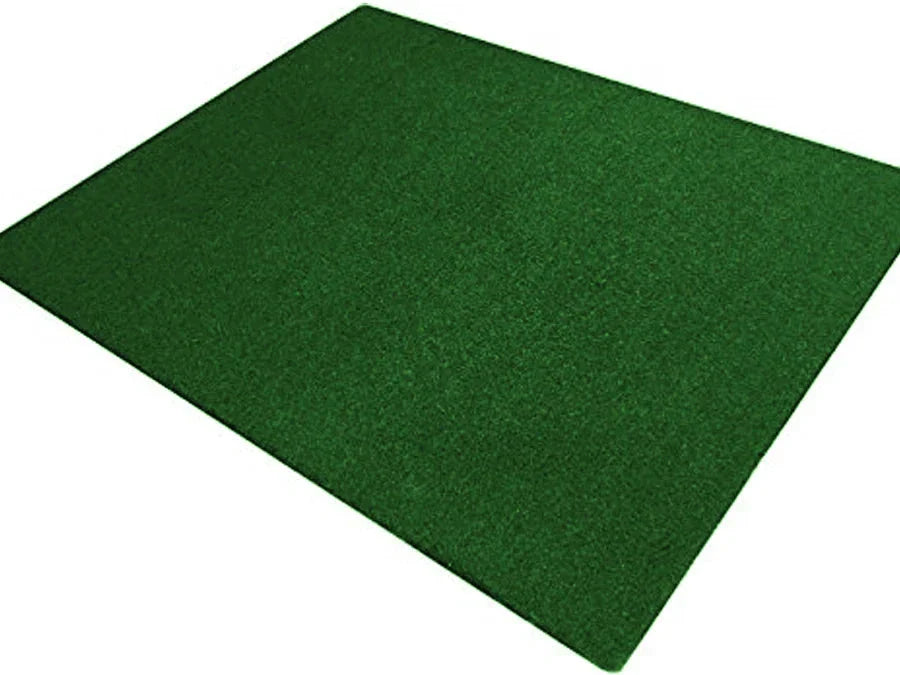
If your readings stay inconsistent after a test round, the mat is the first thing we'd swap. A reliable surface like our Tallturf Hitting Mats removes turf as a variable so you can isolate the real issue.
Joining a league is the easy part. Building a bay that produces trustworthy scores week after week is where most players need help.
At Total Golf Simulators, we help players and commercial venues build turnkey setups around launch monitors, enclosures, hitting mats, and projectors that work together.
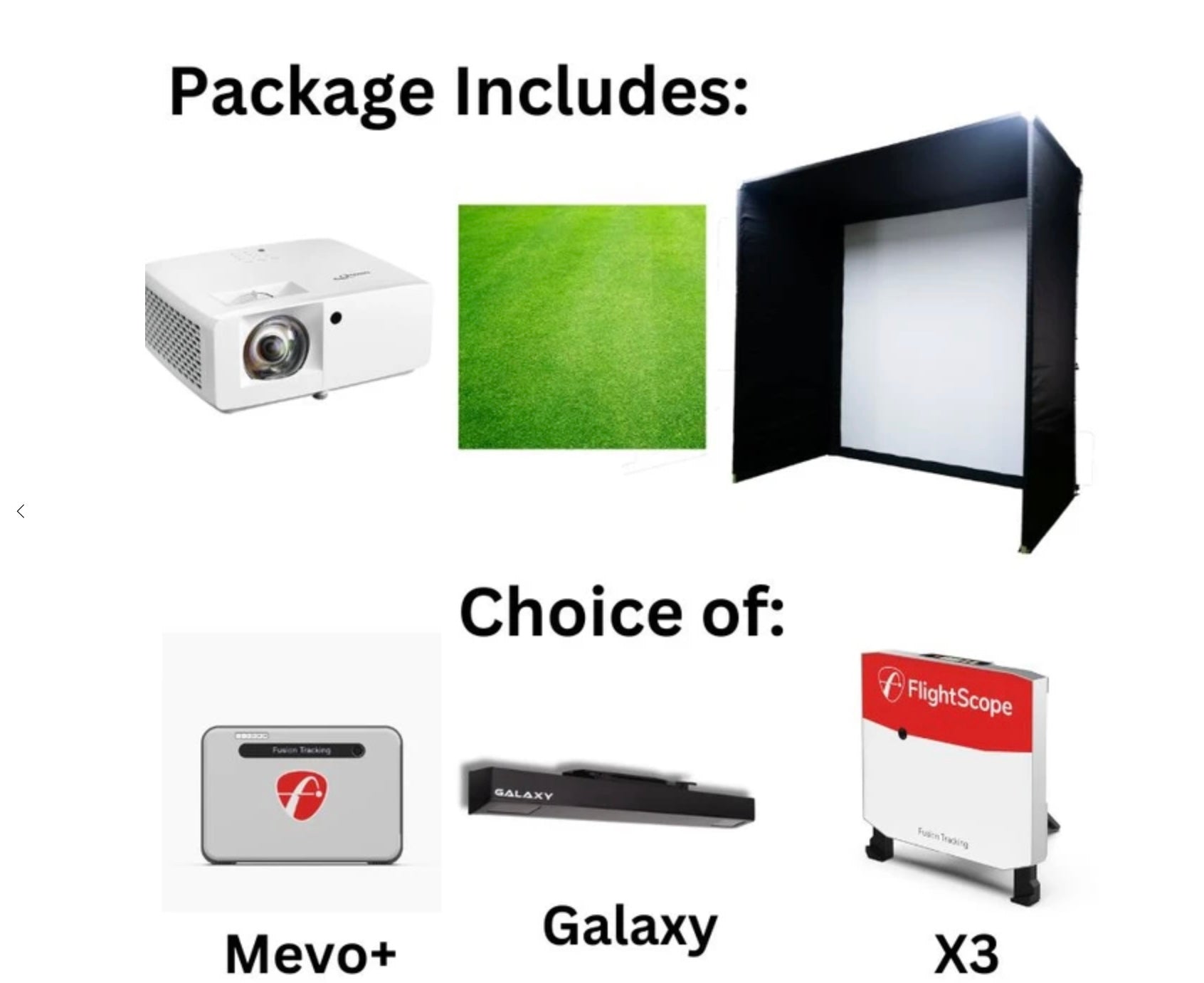
If you're ready to stop practicing and start competing, our 6k And Up Golf Simulator Package is a complete path to a league-ready bay in one purchase.
Get started with Total Golf Simulators and build a setup that posts a score you can trust.
Joining a league only pays off if your bay can deliver consistent, accurate data every week.
No. Many leagues let you play at a commercial venue or sports bar with simulator bays, then submit scores through the same player profile. Home setups give you more flexibility on when you play, but a venue membership or pay-per-hour bay works for most leagues. Check the league's eligible venue list before you register, and confirm the venue runs compatible simulator software, since a league that requires a specific platform will not accept scores from an unsupported system.
At minimum you need a launch monitor the league supports, a hitting mat, an impact screen or enclosure, and a projector or display. Ceiling height matters most: golfers generally need enough clearance to swing a driver safely, and bays should be sized to allow full ball flight. Confirm your launch monitor model appears on the league's approved list before paying an entry fee.
Yes. Most leagues run skill divisions, often labeled A through D or flights, so you compete against players with similar handicaps. Beginners typically start in the lowest division or a net-scoring format, where your handicap levels the field. If you do not have an established handicap, many leagues accept your first few rounds to set one, or place you in an entry division until you post enough scores.
Verification varies by platform. Common methods include automatic upload from the simulator software, screenshot submission with launch monitor data visible, and peer attestation from a playing partner. Leagues usually publish a dispute window, often 48 to 72 hours after a round posts, during which other players can flag a score. Read the scoring rules before your first round so you know which game modes and gimme settings count as valid.
