
Customer Svc: 855-620-2330 -
M-Sat -9am-6pm
Speak To Customer Service - 855-620-2330 - M-Sat 9:00am - 6:00pm MST
Customer Svc: 855-620-2330 -
M-Sat -9am-6pm
Speak To Customer Service - 855-620-2330 - M-Sat 9:00am - 6:00pm MST

Last Updated: November 25, 2026
Quick Summary
Most launch monitors can join an online golf league, but only if they send shot data to the simulator platform your league uses. Check that compatibility first, then match the monitor's measurements to what your league scores on. Garmin Approach R10 at $599.00 suits budget league players.
Most launch monitors can join an online golf league, but only if they send shot data to a simulator platform that the league actually uses. Total Golf Simulators carries several launch monitors, and the right pick depends on your space, your budget and the league software you want to use. At Total Golf Simulators, we look at three things first: whether the monitor works with the league platform, whether it measures the data your scoring depends on, and whether it fits your room.
Start with compatibility. Multiplayer leagues usually run through a specific simulator app, so check that the monitor connects to it before you buy. A capable device paired with the wrong software can leave you unable to join the league at all.
The clearest way to narrow your options is to ask what the league scores on, since that determines which measurements matter.
The table below compares Total Golf Simulators launch monitors. Prices are the listed starting prices.
| Launch Monitor | Starting Price | Indoor/Outdoor | Best For |
|---|---|---|---|
| Garmin Approach R10 | $599.00 | Both | Budget portable practice |
| FlightScope Mevo + | $1,459.00 | Both | Value home simulator setups |
| FlightScope Mevo Gen2 | $1,149.00 | Both | Accuracy at a lower price |
| Red Stakes Golf RSG One | $1,999.99 | Indoor | Center-strike home bays |
| Uneekor Eye Mini | $1,999.00 | Both | Portable ball and club data |
| Golf Joy Spica 3 | $3,199.00 | Both | Fast feedback and AI processing |
| TruGolf Launch Box | $3,499.00 | Both | Ball data with included courses |
| Garmin Approach R50 | $4,999.00 | Both | Built-in simulator and course play |
| TruGolf Apogee | $6,500.00 | Indoor | Highest-precision club and ball data |
Starting Price
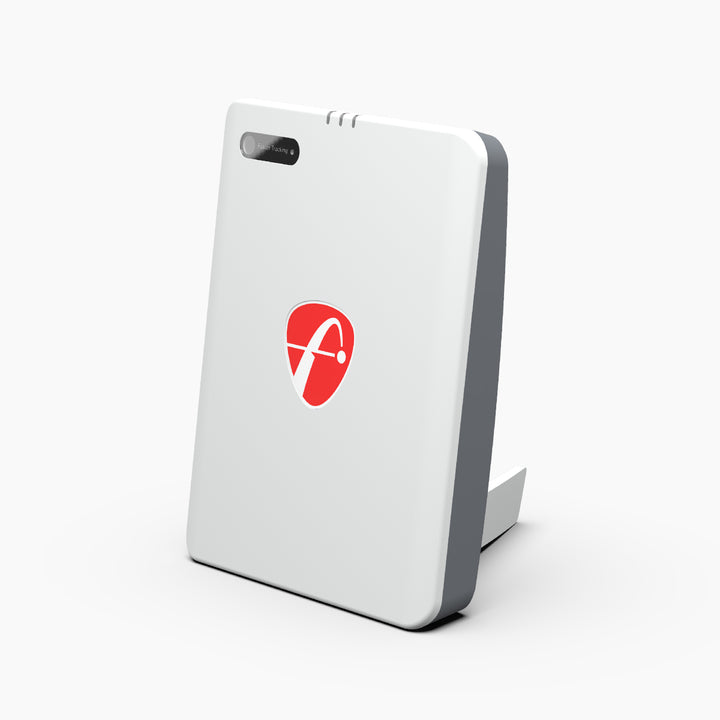
The Garmin Approach R50 includes built-in simulation and course play. The TruGolf Apogee measures club and ball data with dual stereoscopic cameras, and it sits at the top of the price range.
A home league setup needs more than a good monitor. You need a stable ceiling mount or net setup, enough room behind the ball and a steady connection to your league software. The Garmin Approach R50 suits players who want everything in one unit, with a 10-inch touchscreen and access to more than 43,000 courses through its own app.
For a lower-cost home bay, the FlightScope Mevo + at $1,459.00 is a practical choice. It works with E6 Connect, GSPro and other third-party platforms.
Watch out: a launch monitor that requires a specific mounting height or minimum ball-to-sensor distance can be hard to fit in a room with a low ceiling. Measure the room before you order.
Under $1,000, the Garmin Approach R10 at $599.00 is a direct option. It tracks more than a dozen metrics, records video of each shot, and runs virtual rounds through the Garmin Golf app. It works indoors and on the range, which makes it useful if you also practice outside.
The main trade-off is that the R10 is a portable unit rather than a full simulator. Many league players use it as a practice tool and then rely on a separate simulator platform for scored rounds. Check whether your league accepts that setup.
Best for: Golfers who want league-ready data on a tight budget and also train outdoors. Skip if: You need a fixed, always-on simulator bay for scored league play.
Compatibility matters for league play. Confirm three things before you buy: the exact platform your league uses, whether the monitor is on that platform's supported-device list, and whether support requires a paid add-on or a specific connection method.
Several Total Golf Simulators models list support for E6 Connect and GSPro. The Golf Joy Spica 3 lists compatibility with GolfJoy, E6 CONNECT and GSPro. The Uneekor Eye Mini works with GSPro and E6 Connect through a third-party connector, depending on your package. The RSG One and RSG Pro offer online multiplayer mode for $199 per year. The Garmin Approach R50 runs its own app with course play.
Platform support is only part of the picture. Ask your organizer which play mode the league uses, since a monitor that works for solo practice may not suit every league format.
Course availability matters too. Verify the required course list before the season starts.
Watch out: a monitor listed as compatible with a platform may still need a specific setup to work reliably in league play, so confirm the exact setup with your organizer before you commit.
Ask your league organizer which platform they use, then match the monitor to that platform, not the other way around. If you are choosing a league rather than joining one, pick a platform first and build the monitor around it.
The FlightScope Mevo + and Mevo Gen2 use Fusion Tracking to pair radar with video. The Uneekor Eye Mini and TruGolf Apogee use high-speed cameras to capture club and ball data at the moment of impact.
Some monitors need a minimum distance from the ball, so check the spacing requirement for each model before you commit.
For league play, consistency matters as well as absolute accuracy, since scores are compared across rounds.
Before your first scored round, it is a sensible habit to hit a series of shots and compare the reported carry and spin against your known distances.
Watch out: test in the room where you will actually play league rounds, since results can differ by location.
Expect small differences between devices, so ask your organizer whether the league publishes equipment guidelines or a recommended settings profile.
Connect it to your computer or tablet, install the simulator software your league uses, and run a calibration session before your first round. Most league platforms let you practice before you join a scored event, so use that time to confirm your data is coming through correctly.
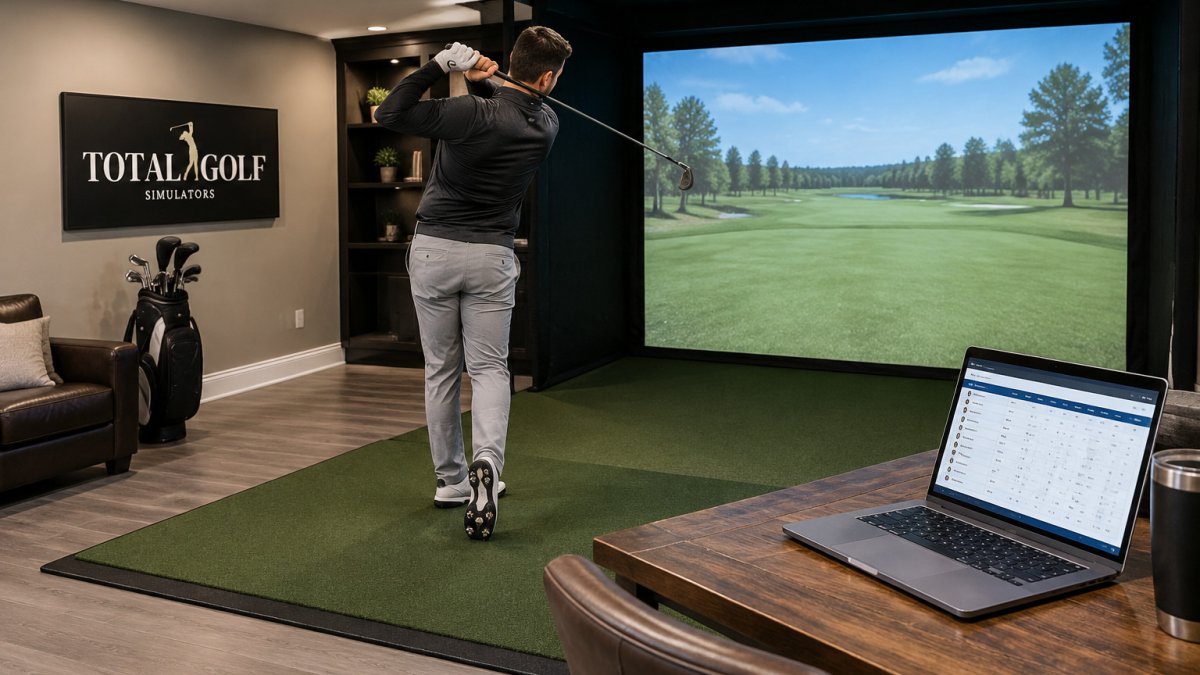
Once your setup is working, create your player profile and join the league using the invite or code from your organiser. Play a practice round first to check that your scores update properly.
Total Golf Simulators offers a Simulator Finder Quiz to help match a setup to your space and budget, along with a step-by-step simulator guide and free shipping on most items.
Launch monitors that export ball and club data to widely used simulator software are the ones most likely to work with online league play. Total Golf Simulators carries several options, including the Garmin Approach R50 at $4,999.00, the TruGolf Launch Box at $3,499.00, and the RSG One at $1,999.99, which includes free RSG CLUB software. Multiplayer league access on some platforms, such as RSG's online mode at $199 per year, is a separate cost. Confirm the league platform you plan to join supports the specific launch monitor before you buy.
It depends on the launch monitor and software. The RSG One and RSG Pro include lifetime access to RSG CLUB software, but unlocking online multiplayer mode costs $199 per year. The TruGolf Launch Box includes 30 courses with no annual subscription, though its E6 CONNECT APEX add-on is a subscription. Budget for any annual league or software fees alongside the hardware price so you know the full cost of league participation.
Yes. Many launch monitors are designed for home simulator setups, and several work in a garage or basement with a hitting mat, net, or enclosure. The Garmin Approach R10 at $599.00 and the FlightScope Mevo Gen2 at $1,149.00 are both portable and designed for indoor use. Check the ceiling height and space behind the golfer before buying, since some units, such as the RSG Pro, require a specific mounting height above the hitting surface.
Space requirements vary by model. The RSG One must be placed 6 feet directly behind the golfer. Measure your room before purchase to confirm it fits your chosen launch monitor.
