
Customer Svc: 855-620-2330 -
M-Sat -9am-6pm
Speak To Customer Service - 855-620-2330 - M-Sat 9:00am - 6:00pm MST
Customer Svc: 855-620-2330 -
M-Sat -9am-6pm
Speak To Customer Service - 855-620-2330 - M-Sat 9:00am - 6:00pm MST

Quick Summary
The right golf simulator package for a business event depends mainly on how many guests will rotate through, how much space you have, and whether you need the equipment for one weekend or for years. Total Golf Simulators offers five packages priced from $2,408.16 to $12,249.99, and each includes a launch monitor, enclosure, hitting mat and projector.
Last Updated: November 11, 2026
Choosing a golf simulator package for a business event comes down to three things: how many guests you expect to rotate through, how much space you have, and whether you need the equipment for one weekend or for years. Total Golf Simulators sells several packages built around different launch monitors, and the right one depends less on brand names than on throughput and setup. This guide walks through how event use differs from home use, compares the five packages on offer, and gives you a practical way to match a package to your guest count.
A home simulator serves one or two regular players. A business event simulator serves a steady stream of people who may have never swung a club. That changes what matters.
At home, you care most about ball flight realism and whether the setup fits your room. At an event, you also care about how fast each guest can start, how forgiving the software is for beginners, and how quickly the bay resets between players. A package that takes twenty minutes to calibrate is fine in a basement. It is a problem at a client dinner with a line of guests waiting.
Event use also means more wear. Impact screens and hitting mats take far more swings in a weekend than they see in a year of home practice. Plan for durability first.
Total Golf Simulators offers a range of packages, priced from $2,408.16 to $12,249.99. Each bundles a launch monitor, enclosure, hitting mat and projector, so you do not need to source parts separately.
Package |
Starting Price |
Launch Monitor |
Best For |
|---|---|---|---|
Under $2.4K Package |
$2,408.16 |
Mevo or Orbit |
Budget-conscious small venues |
Flightscope Mevo + Package |
$5,612.37 |
Flightscope Mevo+ |
Teaching studios, mid-size events |
$6K and Up Package |
$10,678.20 |
Mevo+, X3 or RSG Pro |
Flexible, multi-use installations |
ProTee VX Package |
$9,590.00 |
ProTee VX overhead |
Luxury home and commercial installs |
RSG Pro Package |
$12,249.99 |
RSG Pro |
Serious play with lifetime software |
Starting Price
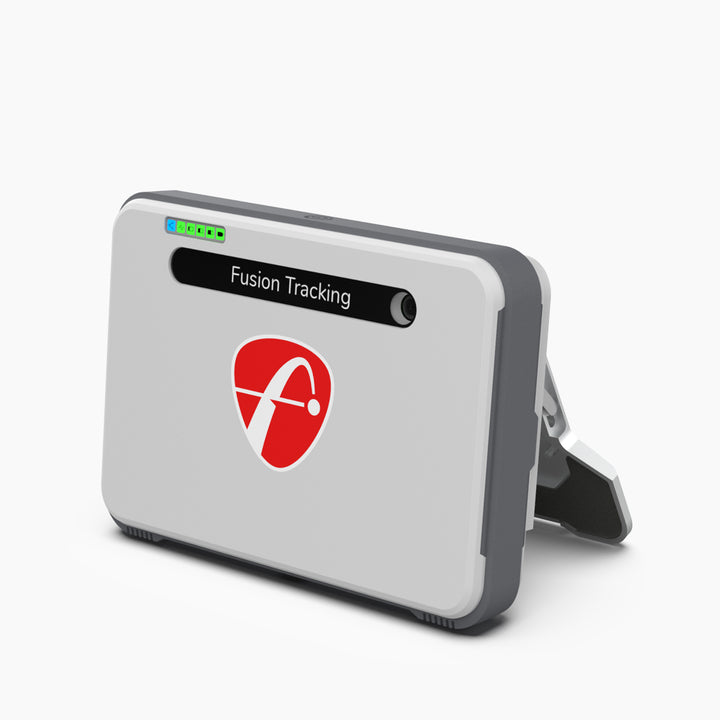
Under $2.4K Package. This is the entry point into Total Golf Simulators' packages, with a Mevo or Orbit launch monitor, an impact screen, a 4x4 hitting mat and an Optoma XW350ST projector.
Flightscope Mevo + Package. The Mevo+ is a compact, portable launch monitor that tracks 20+ data parameters, bundled with a standard or foldable enclosure, T-Turf hitting mat and a choice of Optoma projectors.
$6K and Up Package. You choose among three launch monitors: Flightscope Mevo+, Flightscope X3, or Red Stakes Golf Pro.
ProTee VX Package. The ProTee VX uses an overhead infrared camera system with no floor-mounted unit or behind-the-golfer setup.
RSG Pro Package. Includes dual cameras with infrared sensing and lifetime access to RSG CLUB software with no annual subscription fee, plus 10 real-world courses.
Key points to consider:
Shorter, faster rounds mean more guests per hour, so match your software to the format. Closest-to-the-pin games keep lines moving better than full-round play.
Event setups fail for logistical reasons far more often than for equipment reasons. A package that works perfectly in a showroom can stall at a client dinner because the venue's circuit trips, the Wi-Fi drops, or the projector cannot reach the screen. The checklist below is the one to run before you commit to a date.
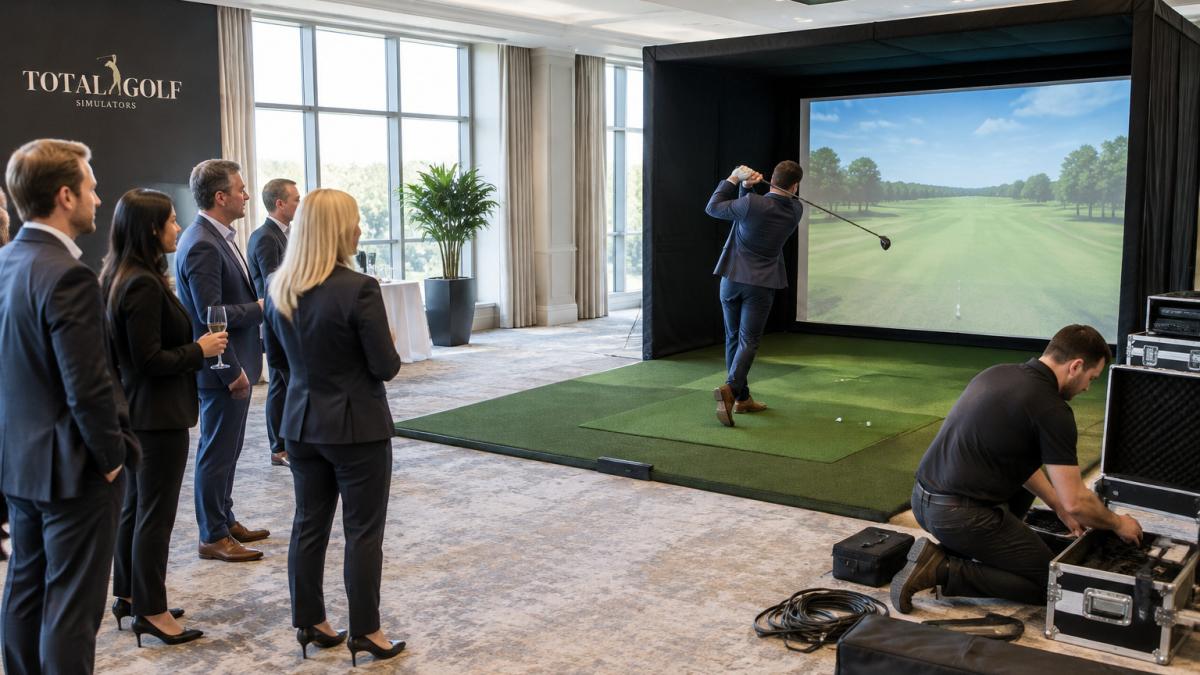
Business guests watching a player hit a golf ball into a simulator screen in a hotel function room
Ceiling and mounting height. Most launch monitors are mounted overhead or on a tripod at a height set by the manufacturer. Measure the clear height above the hitting surface at the exact spot where the mat will sit, not at the room's center. Ceiling fixtures, HVAC ducts and light tracks often reduce usable height by the time you account for them, so measure first and then compare against the package's specified range.
Depth behind the mat. A full swing needs room behind the golfer. Measure from the mat to the back wall or the nearest obstacle, and allow extra space if guests will stand behind the bay to watch. A crowd standing in a narrow room can block the sightline from the launch monitor's camera, which causes missed readings and frustrated players.
Power. Ask the venue how many circuits serve the room and what else is on them. A projector, the computer, the launch monitor and lighting can exceed the capacity of a shared 15-amp circuit once a caterer plugs in a warming tray. Where possible, request a dedicated circuit and confirm it with a plug-in test before the event day. Use a surge protector with a clear rating for the computer and projector, and keep cable runs short and secured so nobody trips on them.
Internet and wired connectivity. Some packages depend on a stable network for software updates, online multiplayer or leaderboard features. The RSG Pro package requires a dedicated Ethernet port for the simulator, and its computer requires Windows 11 with at least 16GB of RAM. Ask the venue whether a wired drop is available near the bay. If only Wi-Fi is offered, test it with the same number of devices guests will use, because a shared network under load is the most common cause of lag during a live event. Keep a phone hotspot as a fallback for the software check, not for the full session.
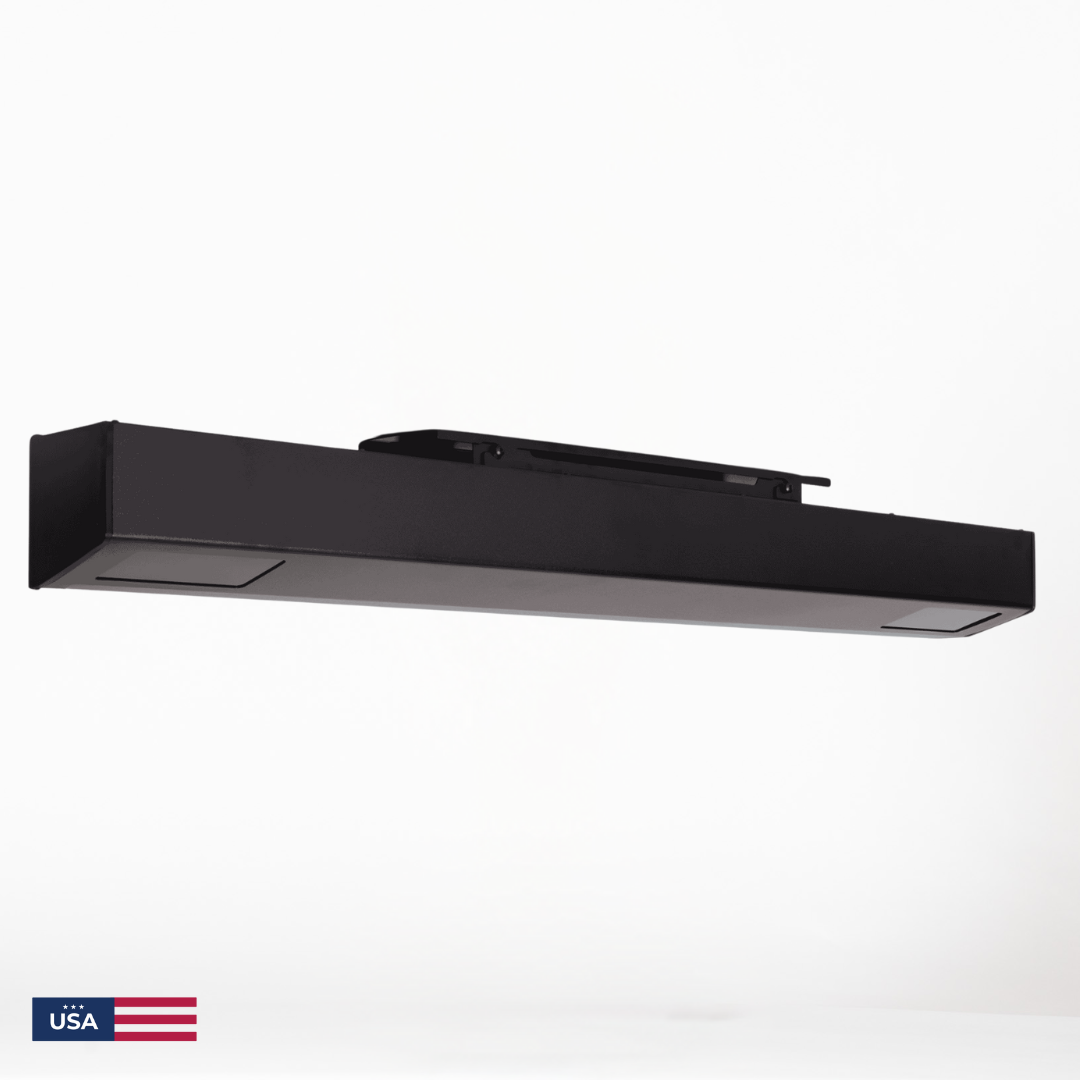
Red Stakes Golf RSG Pro Overhead Indoor Launch Monitor - w/free RSG Software
Projector placement. Short-throw projectors need a fixed distance from the screen, so position the projector first, then build the bay around it. Mark the projector position on the floor, measure the throw distance, and confirm the image fills the screen without cropping before you hang anything permanently.
Watch out: Verify all five items on site a day before the event, not only in the proposal. A layout that looks correct on a floor plan often fails once the actual ceiling, circuit and network are tested. Once the setup is confirmed on site, turn the same attention to the small details that make the tournament feel considered, from practical keepsakes to a Sunday Birdie touch.
Ask how many events you expect to run and compare the cost of renting with the cost of purchasing a package.
The sticker price of a package is the smallest part of what an event simulator costs over its life. The comparison below uses a three-year window because that is the period most businesses use to decide between buying and renting.
Start with the fixed costs. These are paid once and do not change with usage. They include the package itself, freight, installation labor, any ceiling or structural work, a dedicated electrical circuit if the venue does not already have one, and the enclosure assembly. Get written quotes for installation separately from the package, because some vendors bundle it and others do not. Add a contingency of roughly 10 to 15 percent for surprises such as an electrician's minimum charge or additional cable runs.
Then add the recurring costs. These scale with use. Software is the largest variable. The RSG Pro package includes lifetime RSG CLUB software, so its recurring cost is small, but online multiplayer carries a $199 annual fee. Other platforms may charge monthly or per-seat subscriptions, and those fees accumulate quickly when you run events every month. Consumables matter too: hitting mats and impact screens wear faster at events than at home, so estimate replacement frequency from your expected swings per weekend rather than from home-use guidance.
Build a simple three-year model. Take a package at its sticker price, add installation and contingency, then add three years of software and an estimated consumables budget. Repeat the exercise for a lower-priced package that carries recurring software fees. In many cases the lower-priced option costs more over three years once subscriptions are counted, which is why the lifetime-software packages often pay off for businesses that run events steadily.
Compare against renting. Rental fees are easy to total: multiply the rate by the number of events you expect over three years, then add delivery, setup labor and any insurance rider the rental company requires. If that total stays below the purchase model, renting is the better choice. A common break-even point is the number of events at which cumulative rental fees equal the purchase cost plus the recurring costs of ownership. Run the numbers for your own event calendar rather than relying on a general figure.
Insurance and liability. Confirm that your commercial policy covers guest use of the equipment. Many general liability policies exclude or limit coverage for recreational equipment used by third parties, so ask your broker to confirm in writing. If the policy does not cover guest injuries, add a rider or require guests to sign a waiver, and include the premium in the cost model.
**
Choosing the right package is easier with a clear guest count, a measured space and a realistic budget in hand. Total Golf Simulators offers a Simulator Finder Quiz to match setups to your space and budget, and a Price Match Guarantee on all products. If you need a custom bundle, contact the team for a personalised quote.
Contact Total Golf Simulators to discuss your event and get a personalised quote. Compare the five packages above against your guest count, and you will have a clear first choice before you talk to anyone.
The best package depends on guest count and how the simulator will be used. Packages are available with the Flightscope Mevo+, Flightscope X3 or Red Stakes Golf Pro launch monitors, with standard or foldable enclosure options. Total Golf Simulators can match a package to your room size and event schedule, and the RSG PRO package includes lifetime RSG CLUB software access.
Total Golf Simulators packages start at $2,408.16 for the Flightscope or Red Stakes under $2.4K bundle with an Optoma projector. Mid-range bundles such as the Flightscope Mevo+ package start at $5,612.37, the $6K and up package starts at $10,678.20, the ProTee VX package is $9,590.00, and the RSG Pro package is $12,249.99. Prices depend on the launch monitor, enclosure size and projector you select, so get a custom quote for your exact setup.
Space is set by the enclosure and ceiling height rather than the launch monitor. Check your ceiling height and room dimensions before choosing a package, and confirm clearance with Total Golf Simulators before ordering.
Compare the number of events you plan to host against the purchase price of a package. The RSG PRO package includes lifetime RSG CLUB software access with no annual fee.
