
Customer Svc: 855-620-2330 -
M-Sat -9am-6pm
Speak To Customer Service - 855-620-2330 - M-Sat 9:00am - 6:00pm MST
Customer Svc: 855-620-2330 -
M-Sat -9am-6pm
Speak To Customer Service - 855-620-2330 - M-Sat 9:00am - 6:00pm MST

Last Updated: November 2, 2026
Quick Summary
Swing analysis software turns launch monitor readings and camera footage into club path, face angle and slow-motion impact replays, replacing feel-based guesswork with numbers you can study. It helps you diagnose the majority of your misses and build a practice plan around real data instead of repeating the same flaw.
Every golfer who has ever hit balls into a net knows the feeling: the strike felt pure, the ball flew straight, and you have no idea whether any of it was true. That is the problem swing analysis software solves. Many players spend years repeating the same flaw because their practice gives them feedback on feel, not fact.
Swing analysis software is the program that turns launch monitor readings and camera footage into numbers and replays you can actually study. It replaces "that felt good" with a club path reading, a face angle number, and a slow-motion video of impact.
The difference matters because feel lies. Your hands tell you one story after a shot; the sensor tells you another. When you can see both, you stop guessing and start fixing.
Below, we break down what the data measures, how to read it, and how to build a practice plan around it.
Launch monitors capture two families of numbers: ball data and club data. Ball data covers what happened after impact. Club data covers what your club was doing at the moment of truth.
Camera-based systems like the Uneekor Eye XO2 track 24 data points and can be mounted overhead, so nothing sits on the floor.
If you want the deeper mechanics of how these units capture a shot, our guide on how golf launch monitors work walks through the full process step by step.
Most swing problems trace back to a handful of metrics. Master these six and you can diagnose the majority of your misses:
A common mistake is chasing the perfect number in isolation. A 2-degree in-to-out path means nothing until you pair it with face angle. The relationship between the two is what produces a draw, a fade, or a two-way miss.
Numbers tell you what happened. Video tells you why. A golf swing video analysis app pairs your data with slow-motion playback so you can see the position that produced the number.
The workflow is simple. Pull up the shot, scrub to impact, and freeze the frame. Then check where the clubface points at impact.
Frame-by-frame review beats full-speed replay every time. At full speed, the downswing lasts roughly a quarter of a second. Your eye cannot track it. Freeze it and the flaw is obvious.
Watch out: scrubbing through every frame of every swing turns practice into screen time. Pick one fault per session and review only the swings that show it.
Golf simulator accuracy indoors depends on three things: the tracking technology, the calibration, and the conditions in your room. Get all three right and the numbers are trustworthy enough to build a practice plan on. Get any one wrong and you will practice to a false target for months without knowing it.
The first distinction to understand is measured versus calculated. Camera-based systems like the Uneekor Eye XO2 report ball and club data, including carry distance, total distance, side spin, and shot dispersion. In a garage, those assumptions are close enough for practice, but they are why two simulators can report different carry numbers for the same strike. Treat calculated distances as directional, not absolute.
Calibration is where setups quietly go wrong. To understand why professional golf simulator calibration matters for trustworthy indoor swing data, it helps to see how small alignment errors produce consistent but wrong numbers.
Room conditions matter more than most buyers expect. Overhead infrared units need a clear view of the ball and club through impact, so keep the tracking window free of obstructions.
A simple verification routine protects you. Hit ten shots with a 7-iron and check that smash factor clusters in a believable range (most amateurs sit around 1.35 to 1.45; tour players are closer to 1.50). If your smash factor reads 1.60 or 1.20 on solid strikes, something is off, recalibrate before you practice.
Most software packages advertise a long feature list. In practice, a handful of tools do the real work, and the rest is decoration.
Here is what we would actually pay for:
Uneekor Premium Swing Motion Camera Set →
A common mistake is buying for the game modes and ignoring the practice tools. You can play virtual courses anywhere. The practice analytics are what make the software worth owning.
Our Simulator Finder Quiz matches setups to your space and budget if you are still deciding which package fits.
Here is the sequence we recommend for a first session. It takes about 45 minutes and gives you a baseline you can measure against for months.
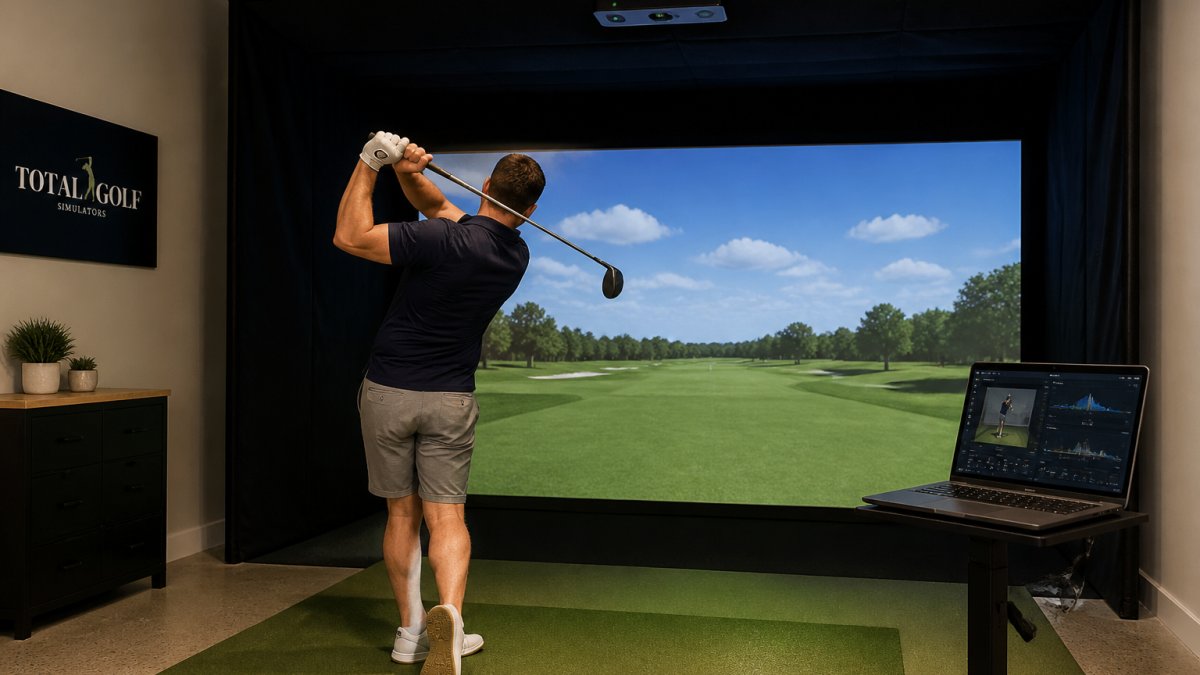
Before your first session, make sure your computer can handle the software. Our comparison of gaming laptop vs desktop for golf simulator software covers the hardware question in detail.
The first session takes about 45 minutes and follows this sequence.
Step |
What to do |
|---|---|
1 |
Warm up without data, 15 to 20 shots |
2 |
Calibrate and confirm alignment |
3 |
Hit 10 baseline shots with your 7-iron |
4 |
Review the six core metrics, note averages |
5 |
Pick one fault to work on |
6 |
Hit 10 more shots with one swing thought |
7 |
Save the session and label it |
Data without a plan is just entertainment. Let those drills reinforce a balanced setup, since sound posture gives you a steadier foundation to improve your golf swing without chasing every fluctuation in the numbers.
The first skill is reading metrics in relation to each other, not in isolation. A club path of 4 degrees in-to-out is not a flaw on its own; pair it with a face angle that is 2 degrees open and you have a playable fade.
The second skill is deciding when a pattern is real. A single swing should never drive a major change. A common pattern is to require at least ten to fifteen shots showing the same tendency before you treat it as a fault worth correcting.
The third skill is setting a measurable goal with a review interval. "Reduce my face-to-path gap to under 3 degrees" beats "get better" every time, but only if you attach a date and a test.
A practical weekly plan looks like this:
Watch out: overcorrecting is the most common failure mode. Golfers who chase a perfect number in one session often overshoot the target and create a two-way miss. Change one variable at a time and give it at least two sessions before you judge it.
Our guide on 7 ways to improve your golf swing with launch monitor data turns these numbers into concrete drills you can run in a single session.
The right hardware depends on your ceiling height, room depth, and whether you want club data or just ball flight. Overhead units need roughly 9 to 10 feet of ceiling.
For swing video, a dedicated camera set makes the difference between usable footage and a blurry guess. The Uneekor Premium Swing Motion Camera Set includes two high-speed cameras with telephoto and fisheye lenses, and pairs with Uneekor's software. The Uneekor Premium Swing Motion Camera Set includes two high-speed cameras with telephoto and fisheye lenses, and pairs with Uneekor's software.

Our team offers expert guidance for home and commercial builds, including choosing a launch monitor, camera set, and enclosure.
Building a simulator that gives you trustworthy feedback is not about buying the most expensive unit. It is about matching the hardware to your room and committing to a practice routine built on the numbers.
Total Golf Simulators offers a Price Match Guarantee, free shipping on most items, and expert guidance for home and commercial builds. Our team helps you choose a launch monitor, camera set, and enclosure that work as one system rather than a pile of parts.
Get started with Total Golf Simulators and turn your garage into a practice bay.
It depends on whether you practice with a purpose. Hitting balls into a screen without feedback mostly grooves whatever motion you already have. Swing analysis software shows club path, face angle, and strike location after every shot, so a flaw becomes visible in numbers rather than guessed at. For golfers with a dedicated space and regular practice time, that feedback loop is the difference between 30 minutes of repetition and 30 minutes of correction.
Camera-based systems track the ball and club directly at impact, which is why they hold up well in indoor lighting. The ProTee VX uses dual high-speed cameras with marker-free club tracking. Accuracy still depends on setup: correct mounting height, a calibrated hitting zone, and consistent ball placement. Review your software's calibration steps before trusting the numbers.
Most current launch monitors report ball speed, launch angle, spin rate, carry distance, and total distance, plus club data such as clubhead speed, club path, face angle, attack angle, and smash factor. Camera systems like the Uneekor Eye XO2 capture 24 data points, while the Golf Joy Spica 3 tracks 27. Pair a monitor with Swing Optix cameras and you add slow-motion video of impact and body positions.
Third-party compatibility with GSPro, E6 Connect, or TGC 2019 keeps your options open. Skip features you will not use weekly; a simpler interface you open every session beats a deep one you avoid.
